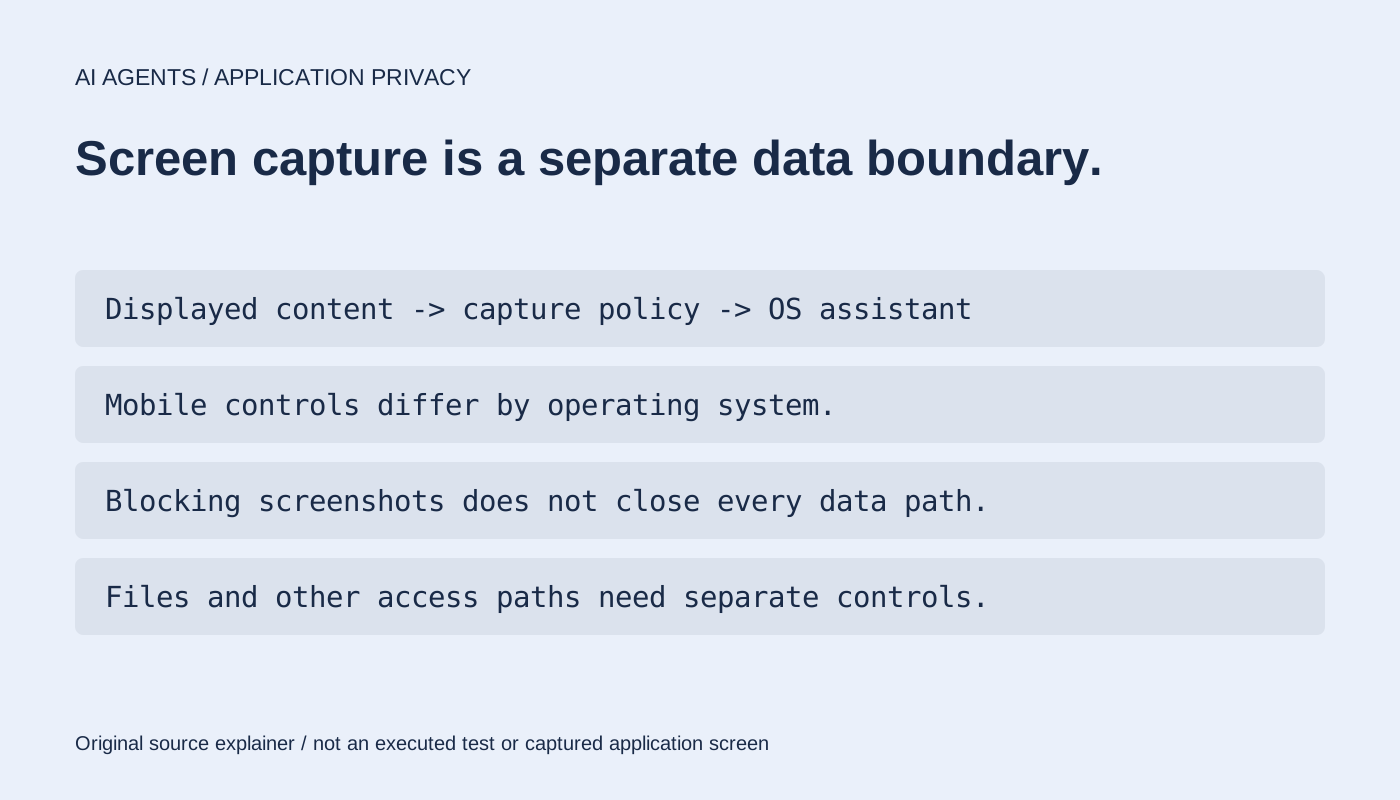
Signal is expanding screen-capture restrictions to limit AI assistants reading chat content on mobile devices. Its November 20 announcement describes measures for iOS 27 and Android while acknowledging gaps in what an application can control.
The issue is how content is handled after it appears on a device. Protecting a message in transit and controlling what another system can capture from the recipient's screen are different parts of a privacy design.
The mobile controls differ
The support guidance lists Signal 8.35.1 or later on Android, and Signal 8.37 or later on iOS 27 or later. On iPhone, Block Siri AI is on by default. On Android, Screen security activates when an AI assistant's screen access is detected, with an explanation shown to the user.
Blocking capture also affects ordinary screenshots and related screen-sharing behavior. The iPhone control includes a temporary ten-minute exception. These are user-facing tradeoffs, not evidence that the messaging protocol has changed.
What Signal says the measure cannot cover
Signal says Android variations limit reliable detection across all devices. It also says it cannot reliably provide equivalent screenshot blocking on macOS with the available APIs. Its announcement calls for better operating-system controls and documentation for applications that need to exclude sensitive data from AI processing.
Screen restrictions do not close every path to data already on a device. The announcement notes filesystem access as a separate concern. We have not tested capture attempts, inspected an assistant's storage or audited those operating-system boundaries.
Our analysis: application privacy needs a clear operating-system boundary
An app can make a careful promise about how it handles messages while depending on another layer to decide what can see the screen. When that layer adds assistants with broader access, the original app may have limited ways to express the user's intent.
The useful design question is whether that intent can be enforced through an understandable, documented boundary. Requiring an app to sacrifice normal screenshot behavior to reduce assistant access is a visible compromise. A control that looks consistent across phone brands but behaves differently underneath would be harder to assess.
Protecting one endpoint also does not establish how a recipient's device handles the same conversation. A screen-capture setting should retain its scope rather than becoming an assurance that an agent can never encounter message content.
Our Android and iOS source profiles link the AGPLv3 code. We did not change settings or install an app. The original illustration explains the boundary; it is not a captured device screen.
Original primary-source reporting with editorial analysis. No installation, model/data download, inference, upstream suite, paid service call or independent security/performance test.